
In My Account, you can view or change certain elements of your own profile.
Opening My account
Click on your initials in the menu bar to open My Account.
> The My account screen opens.
You can now edit your:
Profile
Change your first- or Surname in Pharius.
Langue
Change the language of the application interface, notifications and emails.
If you choose the English language, you must also make a choice regarding the language of the database.
The database is available in Dutch or French.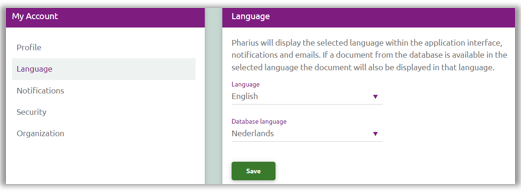
If you choose the English language, you must also make a choice regarding the language of the database.
The database is available in Dutch or French.
Notifications
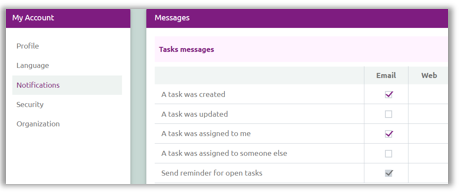
Decide for yourself which notifications you wish to receive and how you receive them.
This feature is currently under construction.
In the future, we will offer even more features here.
For example, instead of receiving e-mail notifications for updated tasks, you will receive a notification in Pharius.
This feature is currently under construction.
In the future, we will offer even more features here.
For example, instead of receiving e-mail notifications for updated tasks, you will receive a notification in Pharius.
Security
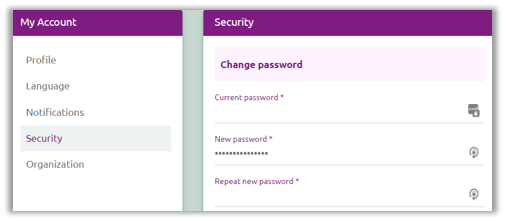
To modify your password.
Organisation
Here you can find the Organization Name and the administrators of the organisation.
Through user management, an administrator can create users and grant/change/delete rights.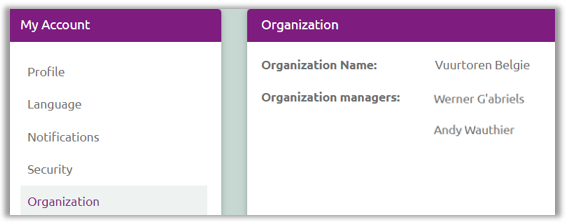
Through user management, an administrator can create users and grant/change/delete rights.